If you are new to SEO, this is an easy mistake to make.
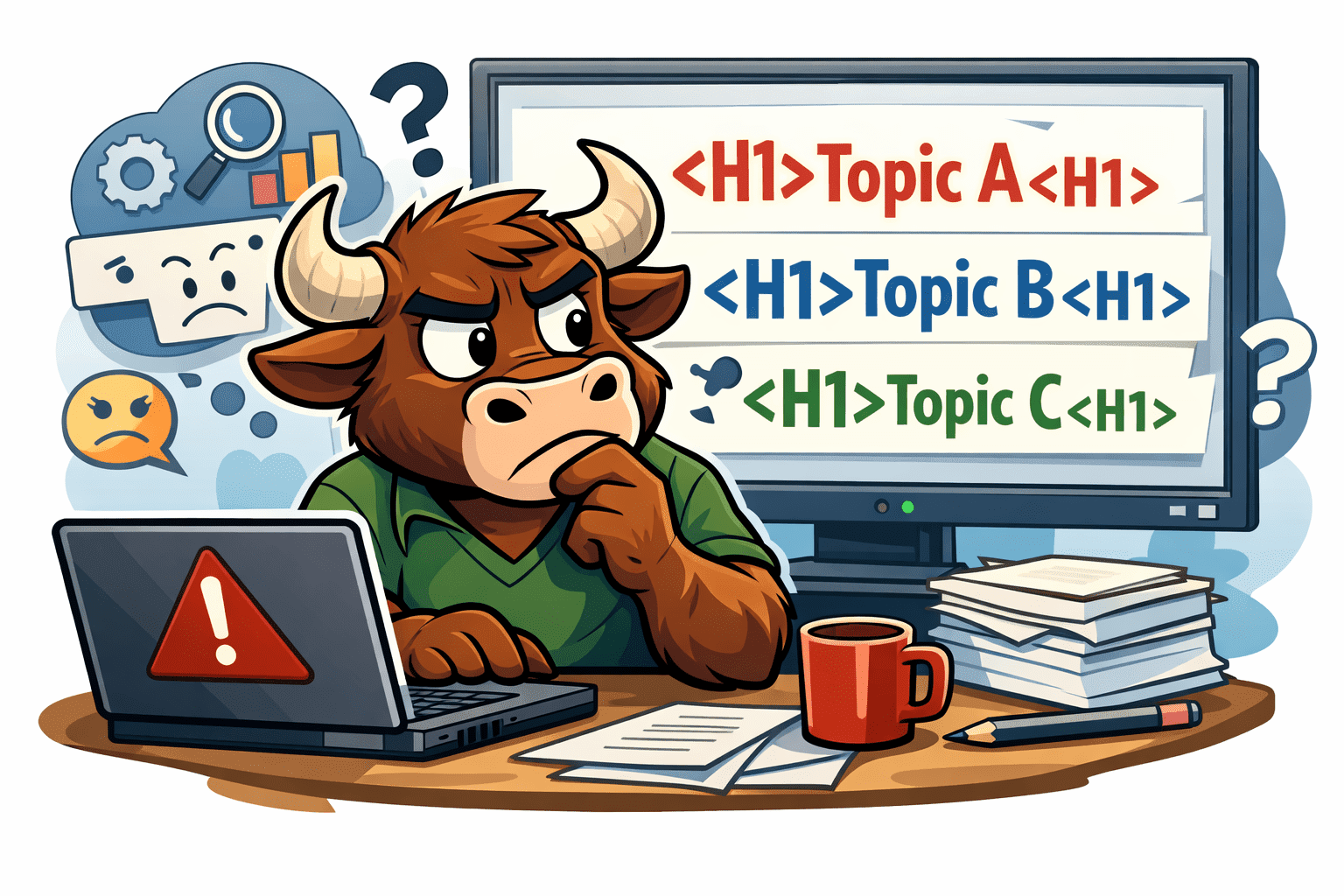
When building a webpage, it is tempting to use multiple H1 tags because they look bold and important. From a design perspective, this can feel like the right move. From an SEO perspective, however, it often creates problems.
Each webpage should have one clear main topic. The H1 tag exists to communicate that topic to both users and search engines. When multiple H1 tags are used, search engines can struggle to understand what the page is actually about, which can weaken rankings over time.
Key Summary
- Each webpage should have only one H1 tag that defines the main topic.
- Using multiple H1 tags can confuse search engines and dilute keyword focus.
- H1 tags are structural elements, not styling tools.
- H2 and H3 tags should be used to organize sections and subtopics.
- Strong visual design can be achieved with CSS without harming SEO.
What an H1 Tag Is Actually Meant For
An H1 tag is the primary heading of a webpage. It acts like the title of a book or the headline of an article. It tells search engines what the page is about at the highest level.
Because of this, every page should have a single H1 that naturally includes the primary keyword you want that page to rank for.
Why Beginners Often Use Multiple H1 Tags
In most cases, multiple H1 tags appear for design reasons, not because someone is trying to manipulate SEO.
Common causes include using headings purely for visual styling, copying layouts from other pages, or using page builders that default text blocks to H1. Many beginners assume heading tags are only visual elements, but they are part of your site’s structural foundation.
How Multiple H1 Tags Hurt SEO
Search engines rely on heading structure to understand content hierarchy.
When a page has multiple H1 tags, Google and other search engines may struggle to identify the primary topic. This can dilute keyword relevance, reduce clarity, and make it harder for the page to rank competitively, even if the content itself is strong.
Use H2 and H3 Tags Instead for Structure and Clarity
If you want multiple strong headlines on a page, the solution is not more H1 tags.
Use one H1 for the main topic of the page. Then use H2 tags for major sections and H3 tags for supporting points within those sections. This structure improves readability for users and makes your content easier for search engines to understand.
Example of Proper Heading Structure
H1: Interior Painting Services
H2: What Is Included in Interior Painting
H2: How Much Interior Painting Costs
H3: Pricing Factors
H3: Typical Project Timelines
Design Does Not Require Multiple H1 Tags
If your reason for using multiple H1 tags is purely stylistic, this is an easy fix.
CSS can make H2 or H3 tags look just as bold or prominent as an H1. Good SEO does not mean sacrificing design. It means separating structure from styling so both can work together effectively.
How to Fix Multiple H1 Tags on Your Website
Start by identifying pages with more than one H1 tag.
Keep the H1 that best represents the page’s main keyword, convert additional H1 tags into H2 or H3 tags, and use CSS to control visual emphasis instead of heading levels.
Need Help Fixing SEO Issues Like This?
Small technical mistakes, like using multiple H1 tags, can quietly hold a website back from ranking, even when everything looks great on the surface.
SEO can feel overwhelming, especially when you’re just getting started. Contact our team at Torro Media to learn how our SEO services can simplify the process and ensure your site is built the right way from the start.
Whether you are just getting started or trying to improve existing performance, we help ensure your site is structured in a way search engines actually understand.
Frequently Asked Questions
Can a page have more than one H1 tag?
Best practice is to use one H1 tag per page. While Google may still crawl pages with multiple H1s, it reduces clarity and can weaken SEO performance.
Do H2 and H3 tags matter for SEO?
Yes. H2 and H3 tags help organize content, improve readability, and reinforce keyword relevance.
Is using multiple H1 tags an SEO penalty?
No. There is no direct penalty, but it can negatively impact rankings by confusing search engines.
Should my H1 include my main keyword?
Yes. Your H1 should clearly describe the page and naturally include the primary keyword you want to rank for.